RTX 5090 vs RTX PRO 6000 Blackwell: Workstation or Consumer for AI?
Choose between consumer flagship power and enterprise workstation stability for your AI engineering and deep learning infrastructure.
CryptoMine Editorial · July 28, 2026 · 6 min read
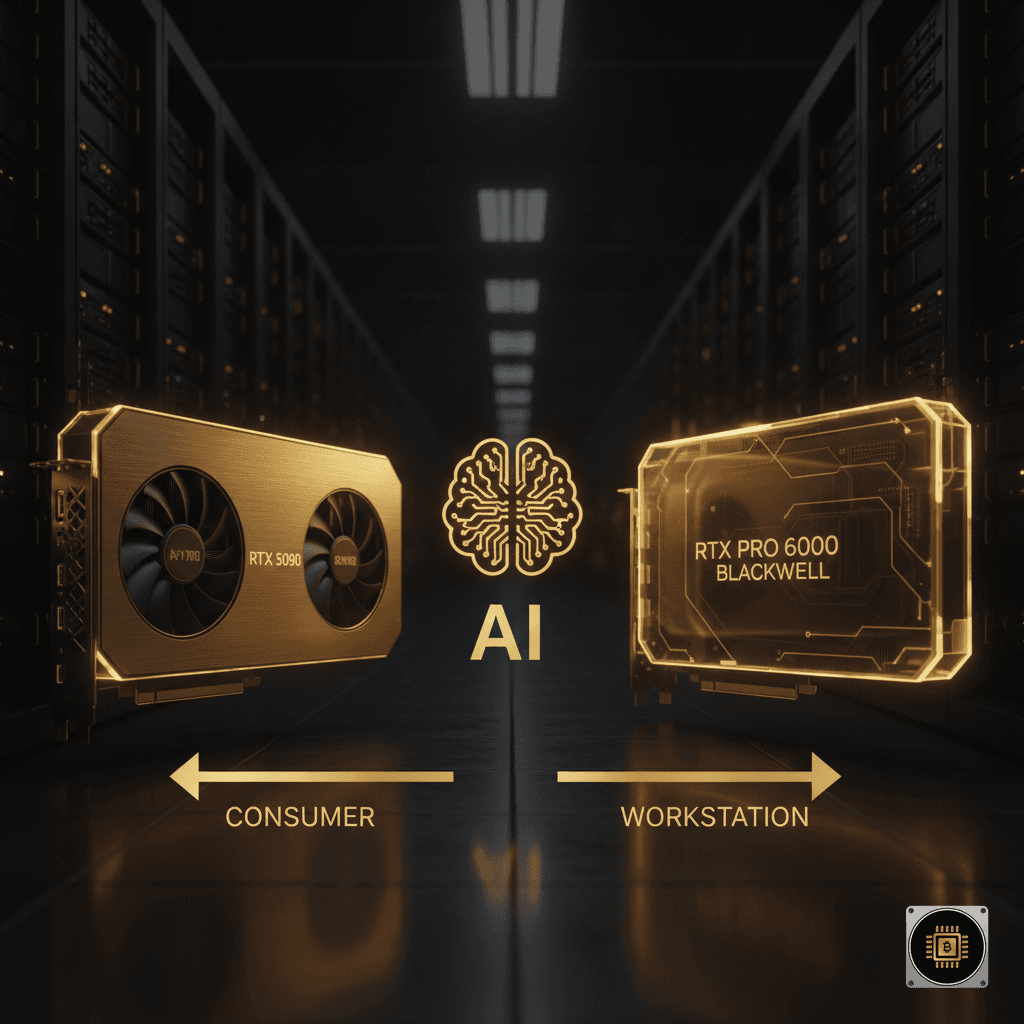
As artificial intelligence workloads transition from experimental research to mission-critical business infrastructure, engineering leads and IT procurement officers face crucial hardware decisions. With NVIDIA introducing its Blackwell architecture across both consumer and enterprise tiers, selecting the right accelerator directly impacts training throughput, inference latency, and total cost of ownership (TCO). A common debate among system architects centers on the comparison of the RTX 5090 vs RTX pro 6000 workstation GPU.
While consumer flagships offer exceptional raw compute per dollar, workstation-grade cards provide targeted architectural enhancements, expanded memory capacities, and enterprise driver stability designed for continuous enterprise operation. Understanding where each GPU fits within your compute pipeline ensures your organization optimizes both capital expenditure and operational performance.
Architecture and Hardware Overview
Both cards leverage the efficiency and Tensor Core advancements of the NVIDIA Blackwell architecture, but their underlying specifications cater to vastly different operational environments.
Compute Power and Tensor Cores
The consumer flagship, exemplified by models like the NVIDIA RTX 5090 (ASUS TUF), delivers massive single-card compute performance. High CUDA core counts and fourth-generation Tensor Cores enable extreme floating-point performance measured in TFLOPS for FP8, FP16, and INT8 precision workloads. This makes it an attractive platform for rapid prototyping, computer vision tasks, and desktop AI development.
The RTX PRO 6000 workstation GPU, built on the same core architectural generation, matches or exceeds this compute density while adjusting power envelopes and clock states for continuous enterprise utilization. Rather than prioritizing peak burst performance typical of desktop graphics cards, the enterprise variant maintains constant, predictable sustained compute rates necessary for multi-day LLM training runs and complex simulation cycles.
VRAM Capacity and Memory Subsystems
Memory bandwidth and capacity represent the primary technical divide between consumer and enterprise silicon. The consumer tier incorporates 32GB of high-speed GDDR7 VRAM. While 32GB provides sufficient headroom for medium-sized parameter models, local batch processing, and media generation, it introduces strict memory bottlenecks when fine-tuning larger open-source models.
In contrast, the enterprise workstation series substantially expands memory density, offering significantly higher VRAM capacities equipped with Error-Correcting Code (ECC) functionality. ECC VRAM detects and corrects soft memory errors in real time, preventing silent data corruption during long-term fine-tuning tasks or mission-critical inference pipelines. For teams handling massive datasets, high-capacity VRAM eliminates the need to aggressively offload layers to system RAM or PCIe pathways, drastically preserving throughput.
Analyzing Performance in AI and Deep Learning
When evaluating performance for deep learning frameworks such as PyTorch, TensorFlow, and ONNX Runtime, raw TFLOPS metrics tell only part of the story. System architecture, memory overhead, and software stack integration play equal roles in determining real-world performance.
Large Language Model Inference and Fine-Tuning
For LLM deployments, available VRAM determines maximum parameter size and batch capacity. A 32GB frame buffer on a consumer board can execute FP8 or INT4 quantized inference for models up to 30 billion parameters comfortably. However, parameter sizes exceeding these bounds require model parallelism or aggressive quantization, which degrades precision.
The expanded memory capacity of the RTX PRO 6000 workstation series allows engineering teams to host 70-billion-parameter models on a single GPU or run higher concurrent batch sizes during live production inference. When evaluating the RTX 5090 vs RTX pro 6000 for deep learning workloads, the enterprise card's memory buffer enables native training and fine-tuning configurations that would otherwise trigger out-of-memory errors on consumer boards.
Enterprise Driver Support vs Game Ready Software Stack
Software validation represents another critical operational differentiator. Consumer GPUs rely on standard Studio or Game Ready drivers. While these drivers offer frequent updates and excellent graphics performance, they lack formal ISV certifications and extended release validation cycles required by enterprise IT policies.
Workstation cards use NVIDIA Enterprise Studio and RTX Data Center drivers. These drivers undergo rigorous stability testing with enterprise frameworks, CAD applications, and virtualization hypervisors. Additionally, workstation GPUs support advanced software capabilities, including NVIDIA vGPU and virtual workstation licenses, enabling IT administrators to partition physical GPU resources across multiple virtual machines or containerized developer environments.
Total Cost of Ownership: RTX 5090 vs RTX pro 6000 in Enterprise Deployments
Hardware acquisition costs are only one component of evaluating compute infrastructure. Procurement teams must account for physical form factors, cooling requirements, power efficiency, and server density.
Thermal Design, Power Consumption, and Server Density
Consumer flagship GPUs feature large axial fan cooling designs occupying three to four PCIe expansion slots. Their thermal systems vent exhaust air directly into the workstation chassis, requiring high-airflow desktop enclosures and substantial spacing between cards. Attempting to pack multiple consumer GPUs into standard 4U chassis often results in thermal throttling and structural clearance conflicts.
Workstation GPUs feature blower-style or slim dual-slot form factors designed for predictable front-to-back airflow in dense server and workstation enclosures. This allows organizations to install four or more GPUs per chassis without thermal degradation. For high-density rack implementations, enterprise organizations frequently pair high-density chassis like the Supermicro AS-4125GS GPU Server or dedicated data-center accelerators like the NVIDIA L40S alongside workstation nodes.
Long-Term Availability, Lifecycle, and Support
Enterprise procurement requires predictable product lifecycles and consistent hardware configurations. Workstation graphics cards offer extended product availability windows, ensuring that system configurations purchased today can be replicated months or years later without architectural drift.
Furthermore, enterprise workstation cards carry enterprise warranties and direct technical support channels, mitigating extended downtime in mission-critical environments. For organizations deploying multi-node clusters across centralized data centers, this long-term stability offsets the higher initial purchase price.
Deployment Matrix: Which GPU Fits Your Infrastructure?
To assist procurement teams in selecting the optimal hardware from our /graphics-cards catalog, consider the following deployment scenarios:
-
Choose the consumer flagship if:
- You require local developer workstations for rapid model prototyping and code testing.
- Your primary workloads consist of vision AI, standard rendering, or sub-30-billion parameter model inference.
- Capital budget optimization is the highest priority for individual desktop installations.
-
Choose the enterprise workstation GPU if:
- You deploy multi-GPU rackmount systems for enterprise AI fine-tuning and inference.
- Your workloads demand ECC memory protection to prevent bit-flip errors during multi-day compute cycles.
- You require enterprise virtualization, vGPU partitioning, or certified driver stability.
- Extended product availability and uniform hardware lifecycles are mandatory for corporate IT standardization.
Conclusion
Choosing between the RTX 5090 vs RTX pro 6000 ultimately depends on your organization's operational scale, memory demands, and infrastructure requirements. The consumer flagship offers extraordinary compute performance for individual workstations and developer desks, while the enterprise workstation card provides the memory capacity, ECC reliability, thermal design, and driver validation essential for production-grade enterprise deployment.
At CryptoMine, we assist global enterprises, research institutions, and technology providers in architecting, sourcing, and deploying high-performance compute hardware. Contact our engineering specialists to explore optimized GPU solutions tailored to your organization's AI strategy.
FAQ
Is the consumer flagship GPU suitable for multi-GPU server racks? While possible in specialized high-airflow chassis, consumer cards generally feature wide multi-slot cooling designs that exhaust heat inside the enclosure, making dense multi-card server deployments thermally challenging compared to dual-slot enterprise designs.
Why does an enterprise workstation GPU cost significantly more than a consumer card? Enterprise workstation GPUs incorporate higher-density VRAM, physical ECC support, enterprise-grade board components, blower-style server thermals, vGPU software licensing capabilities, and validated long-lifecycle enterprise drivers with dedicated vendor support.
What is the primary advantage of ECC memory for AI workloads? Error-Correcting Code (ECC) memory detects and corrects single-bit memory errors in real time. In deep learning training runs lasting days or weeks, ECC prevents silent data corruption that could otherwise compromise model accuracy or cause unexpected job crashes.
Can enterprise AI models be partitioned across virtual machines on workstation cards? Yes, enterprise workstation GPUs support NVIDIA vGPU technology, allowing IT administrators to allocate virtual GPU profile slices to multiple developer virtual machines or container instances with hardware-level isolation.

CryptoMine Editorial
Hardware specialists at CryptoMine — helping businesses choose, configure and deploy AI servers, data-center GPUs and workstation hardware.